booking your first class
Ready
to
book?
My husband Alex and I, the creators of our live streaming platform My Fit Pro, have been busily working (including over the long weekend) to prepare our booking system for you. I’m grateful for your patience and know you’re excited to get started!
We’re still working on adding features, like integrating payments, so bookings will involve a few extra steps for now.
If you notice something isn’t working, or you have a suggestion to improve the experience, feel free to email me.
Ready to book? Details below!
x Fiona
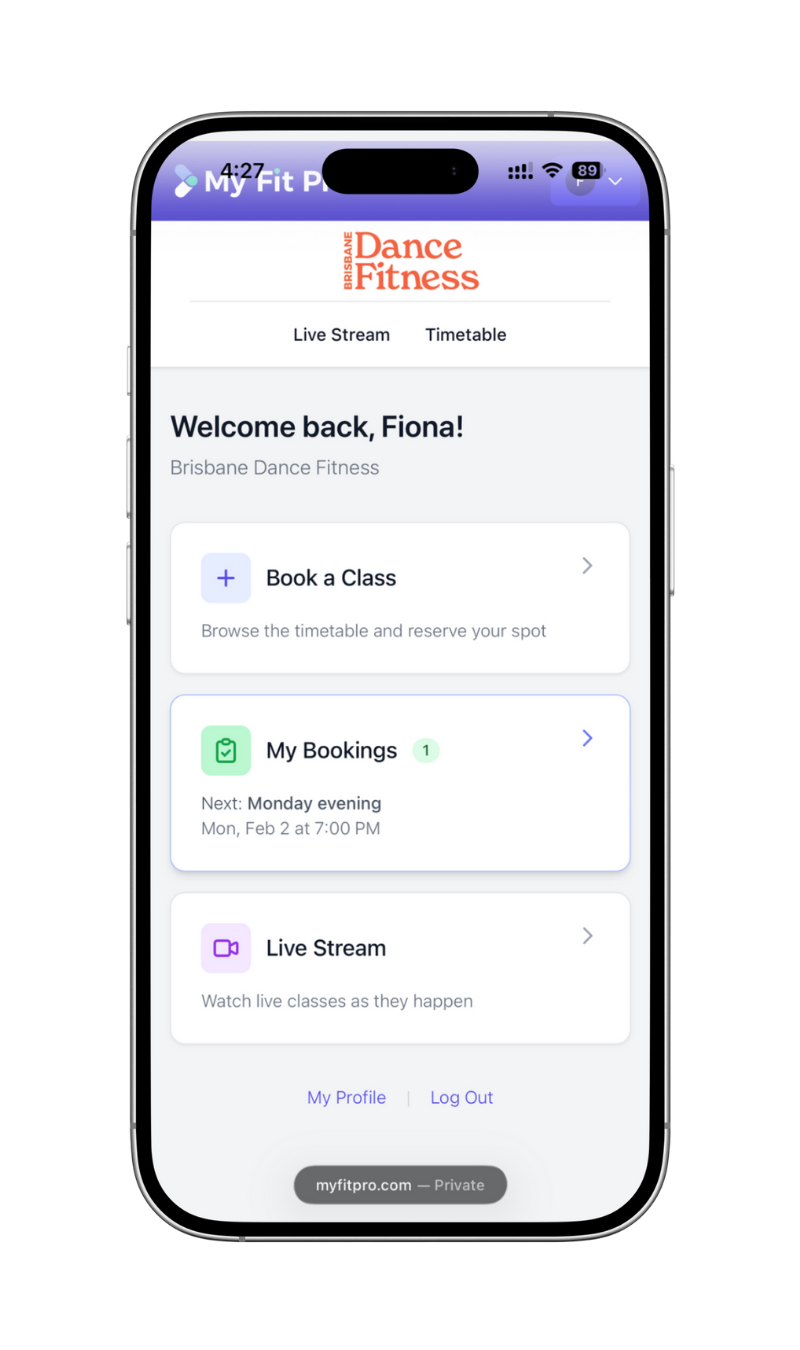
This is our booking and live streaming platform. You’ll need to register an account the first time you make a booking. You’ll use this account to book classes and, if you’re an unlimited member, join our live stream.
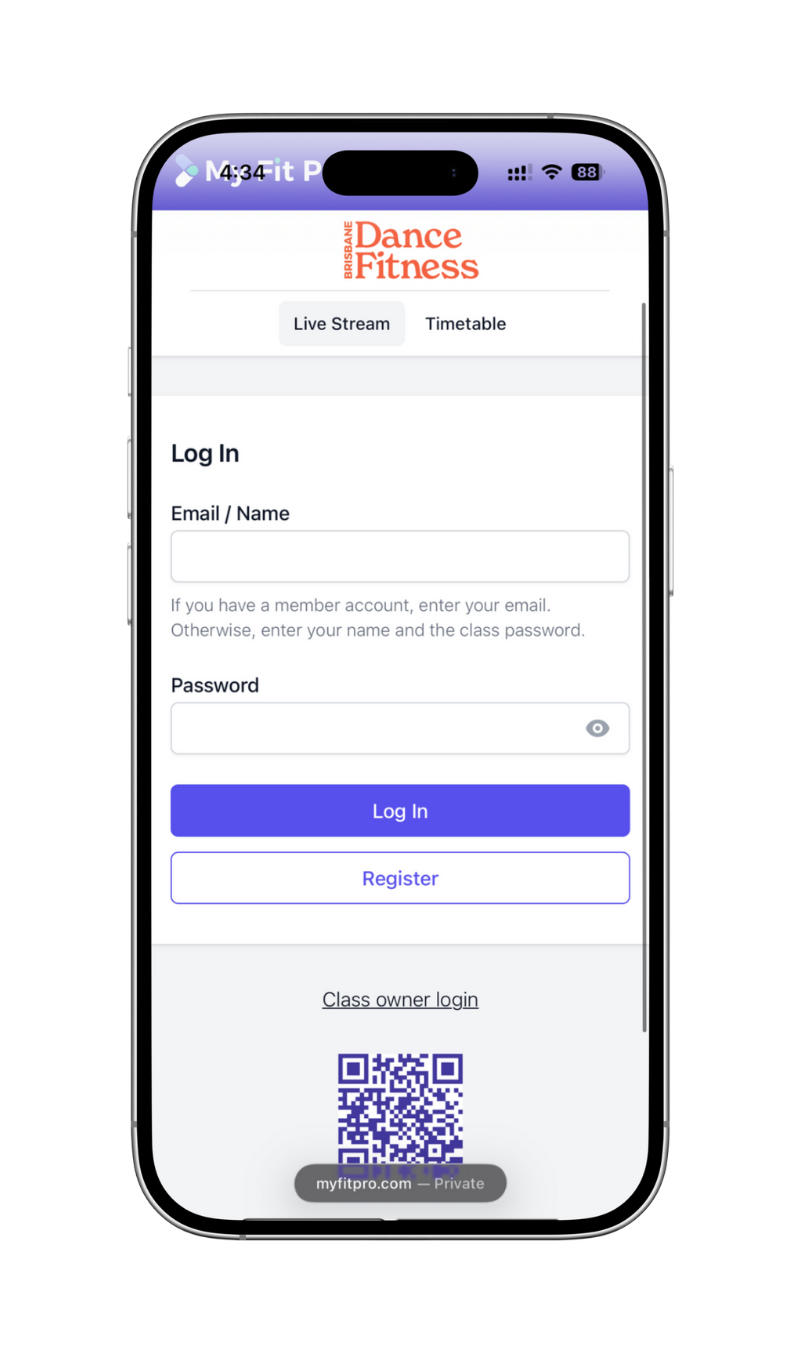
1. register for my fit pro
Once you’ve registered with My Fit Pro, you can book a class that has availability in-person, or you can choose to attend online via live stream if it’s your first class or you have an unlimited membership.
2. Book a class
After you book a class, you can buy pass. I ask you to do this after making the booking as there’s no point paying for a class if it’s already full.
Our opening special is $15 for your first class. If you plan to book more than one class, please choose from our membership or 10 and 20 class packs.
In future we’ll have bookings and class packs all in one step, but for this week, it’s separate.
3. buy a pass
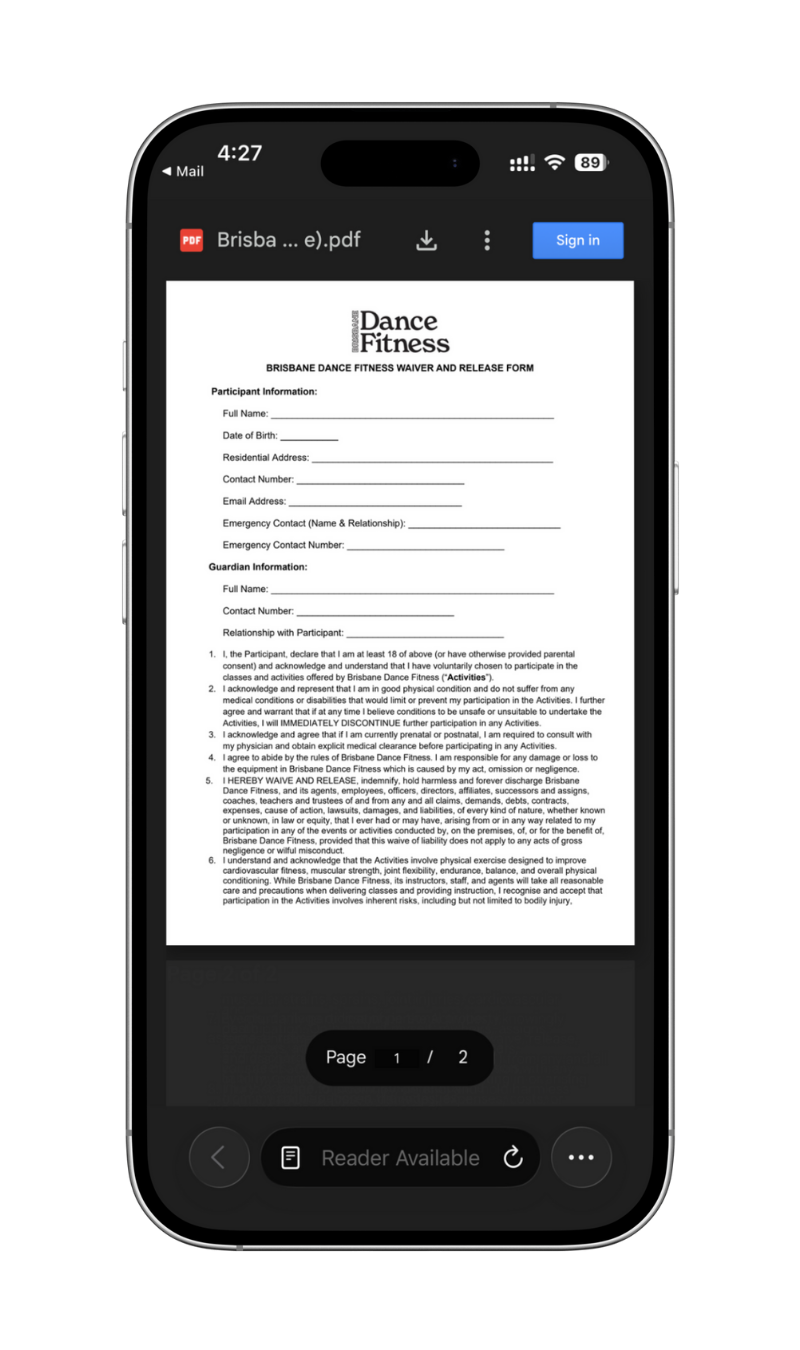
You must sign a form to be able to participate in class.
You can do this on your computer and email it back to me, print it and bring it to class, or fill in a paper copy in the hall.
4. waiver form
Need help?
If you need any help or you notice something not working properly, please email me or call me on 0451 487 932.